Agentic Coding
PUBLIC用AI写代码已经成为共识,但是怎么用依旧属于混沌时代(起码在今天)。
不同人有不同的写法,甚至包括Claude Code的作者Boris Cherny也说自己也在探索怎么使用这个工具。
这里记录一些使用的方式,做一个总结,也是做一个存档,几个月之后再回头来看。
Agentic Coding是什么
主要是为了和其他尺寸的AI Coding分开。从执行的周期来看:
| 时间 | |
|---|---|
| Language Server | 10ms |
| Copilot/Codeium | 100ms |
| ChatGPT | 1min |
| Cursor Agent/Claude Code | 10min |
| Devin | 1day |
这里特指Cursor Agent和Claude Code这个级别。
作者说了什么
习惯运行多个sessoin,配置好终端的桌面通知
I run 5 Claudes in parallel in my terminal. I number my tabs 1-5, and use system notifications to know when a Claude needs input
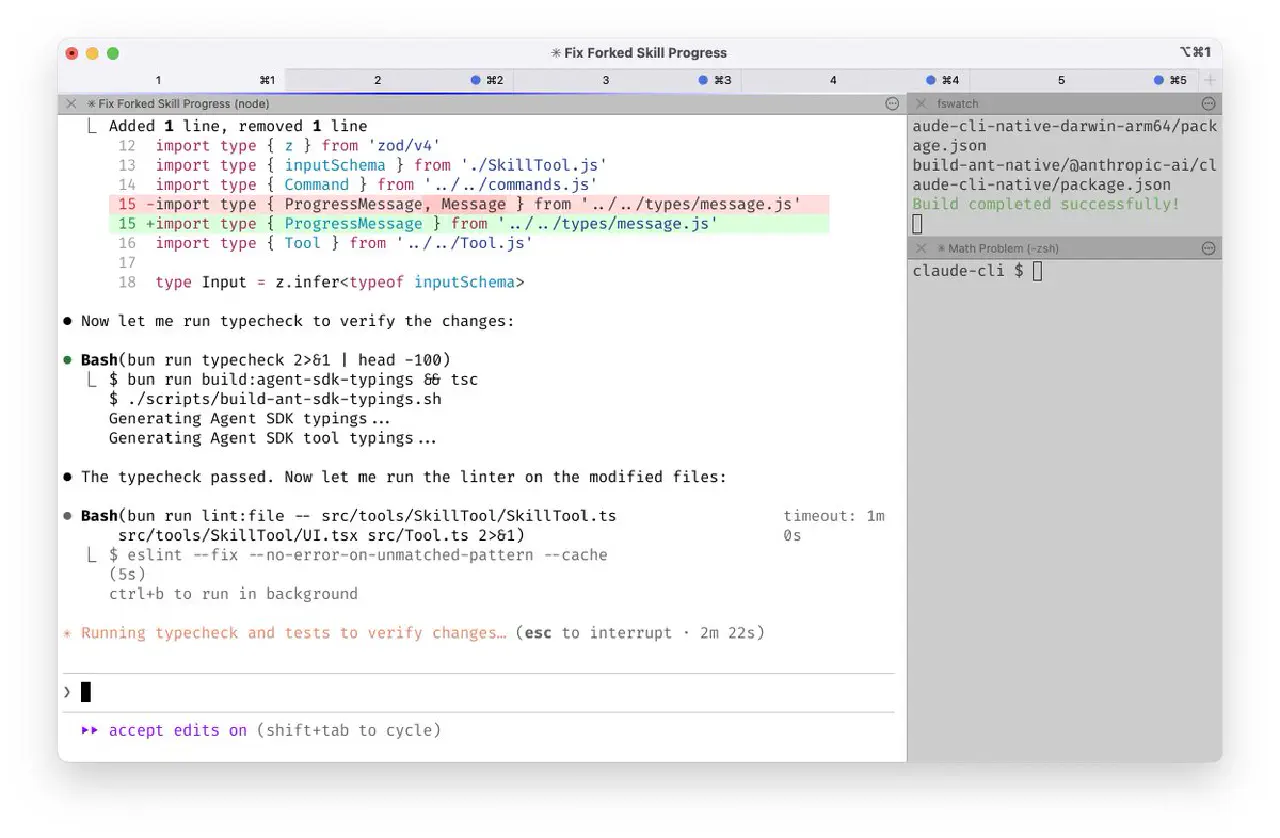
正如上面所说,Agentic Coding是分钟计算的,(一不小心比CPP编译时间还长),那么不要一直盯着它等他结束就比较重要的,第一步,先配置好终端,使得任务结束之后,可以获得桌面通知。
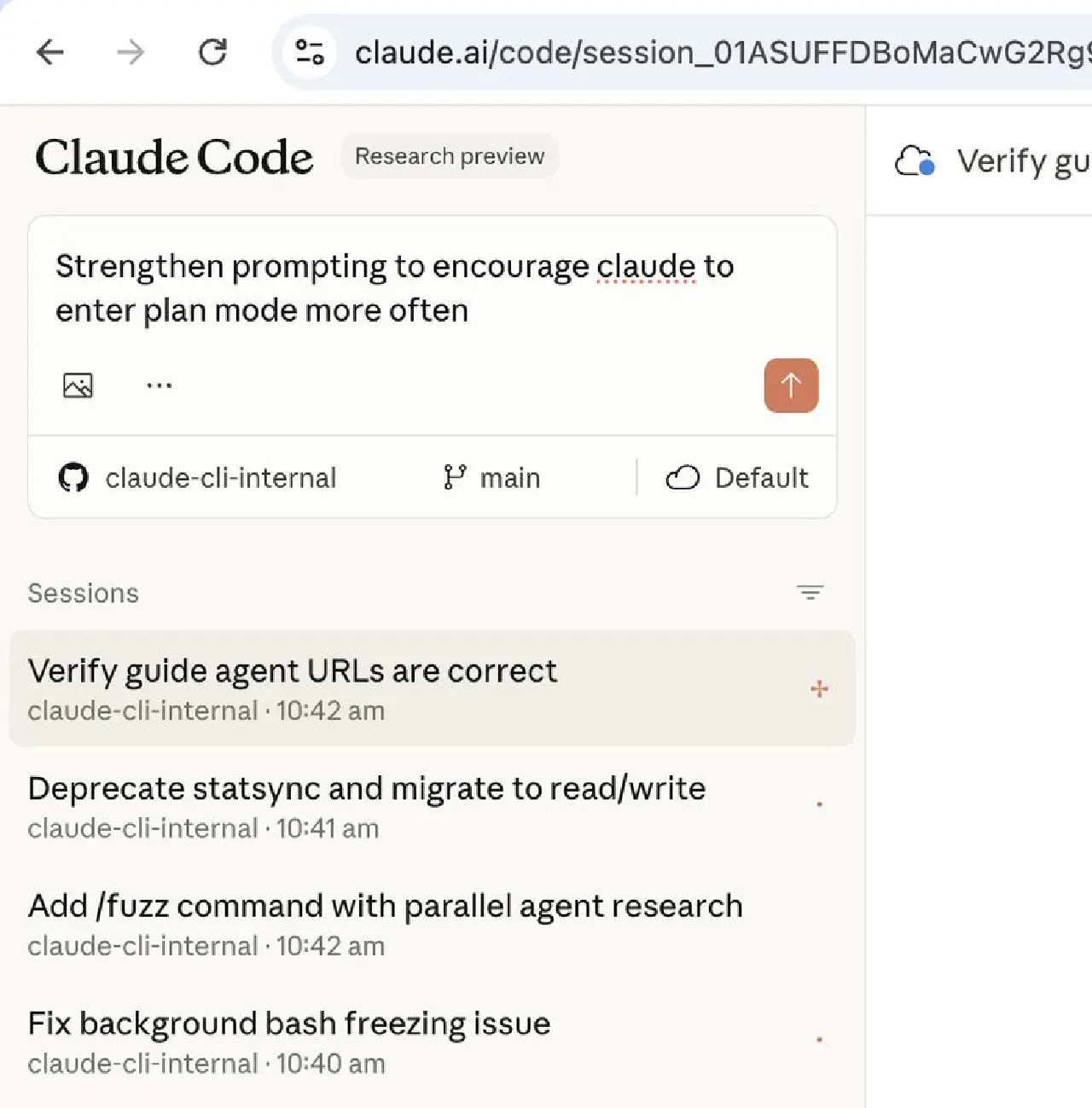
掌握桌面版本和Web版本,两者可以切换,这样就可以在手机上监督他干活了。
I also run 5-10 Claudes on http://claude.ai/code, in parallel with my local Claudes. As I code in my terminal, I will often hand off local sessions to web (using &), or manually kick off sessions in Chrome, and sometimes I will –teleport back and forth. I also start a few sessions from my phone (from the Claude iOS app) every morning and throughout the day, and check in on them later.
用你能用到的最强的模型,Opus 4.5似乎是目前最强的
I use Opus 4.5 with thinking for everything. It’s the best coding model I’ve ever used, and even though it’s bigger & slower than Sonnet, since you have to steer it less and it’s better at tool use, it is almost always faster than using a smaller model in the end.
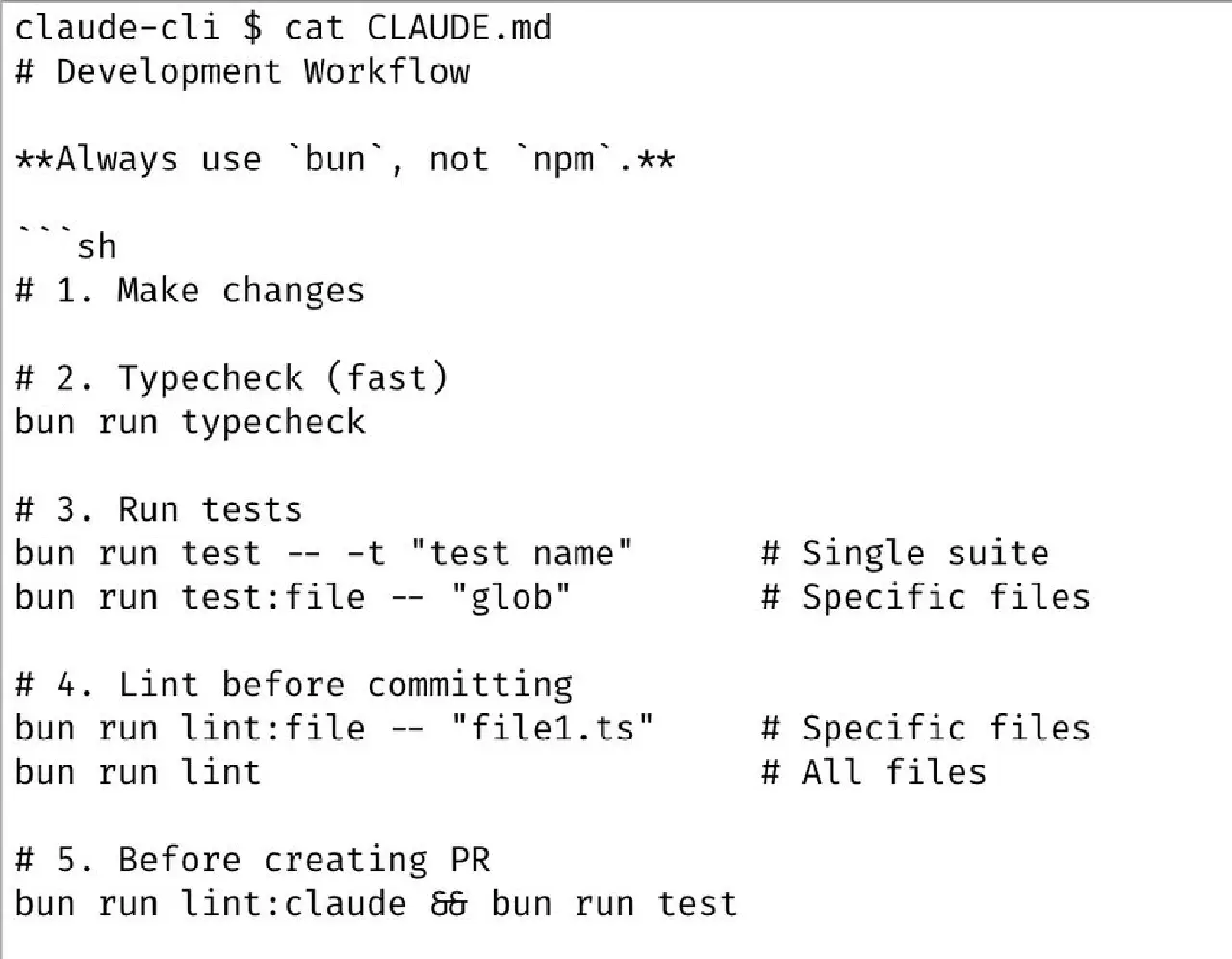
维护好CLAUDE.md
Our team shares a single http://claude.md for the Claude Code repo. We check it into git, and the whole team contributes multiple times a week. Anytime we see Claude do something incorrectly we add it to the http://claude.md, so Claude knows not to do it next time.
Other teams maintain their own http://claude.md's. It is each team’s job to keep theirs up to date.
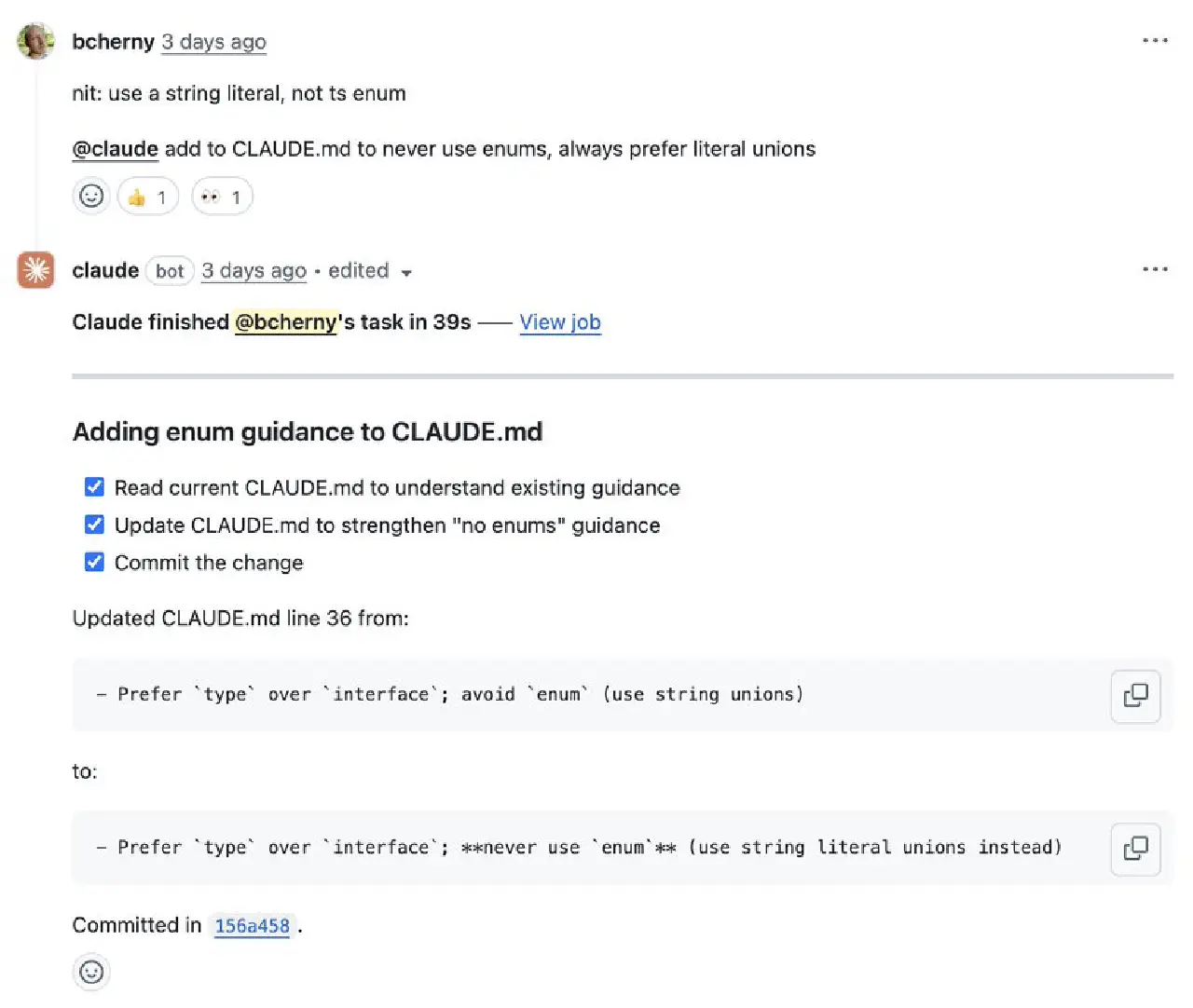
Review PR的时候,at AI来参与,并且问它有没有什么需要补充到CLAUDE.md的
During code review, I will often tag @.claude on my coworkers’ PRs to add something to the http://claude.md as part of the PR. We use the Claude Code Github action (/install-github-action) for this.
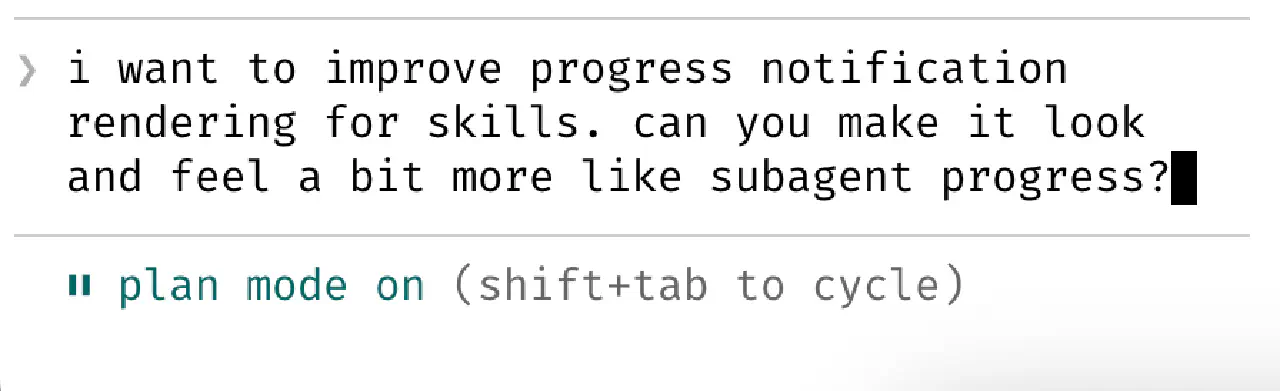
如果你觉得任务比较难,用Plan Mode(shift+tab twice)先跑一下,能大大提高一击命中的概率。
Most sessions start in Plan mode (shift+tab twice). If my goal is to write a Pull Request, I will use Plan mode, and go back and forth with Claude until I like its plan. From there, I switch into auto-accept edits mode and Claude can usually 1-shot it. A good plan is really important!
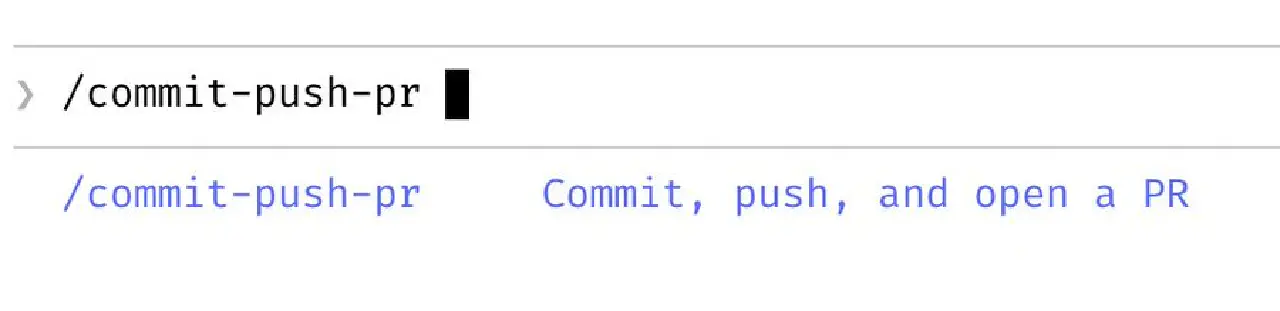
维护常用的.claude/commands,比如/commit-push-pr
I use slash commands for every “inner loop” workflow that I end up doing many times a day. This saves me from repeated prompting, and makes it so Claude can use these workflows, too. Commands are checked into git and live in .claude/commands/.
For example, Claude and I use a /commit-push-pr slash command dozens of times every day. The command uses inline bash to pre-compute git status and a few other pieces of info to make the command run quickly and avoid back-and-forth with the model (https://code.claude.com/docs/en/slash-commands#bash-command-execution)
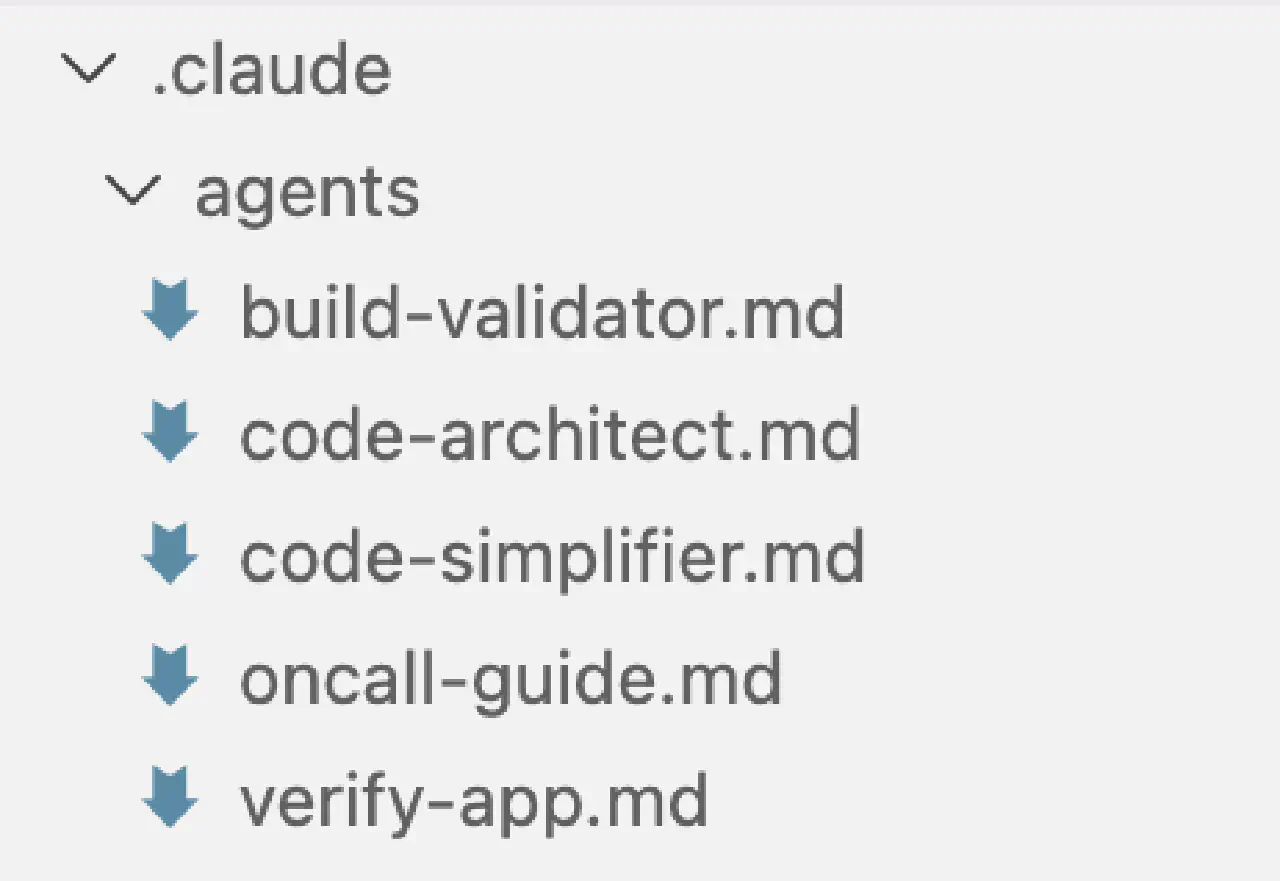
维护你的.claude/agents。可以当作一些子任务:测试,代码简化
I use a few subagents regularly: code-simplifier simplifies the code after Claude is done working, verify-app has detailed instructions for testing Claude Code end to end, and so on. Similar to slash commands, I think of subagents as automating the most common workflows that I do for most PRs.
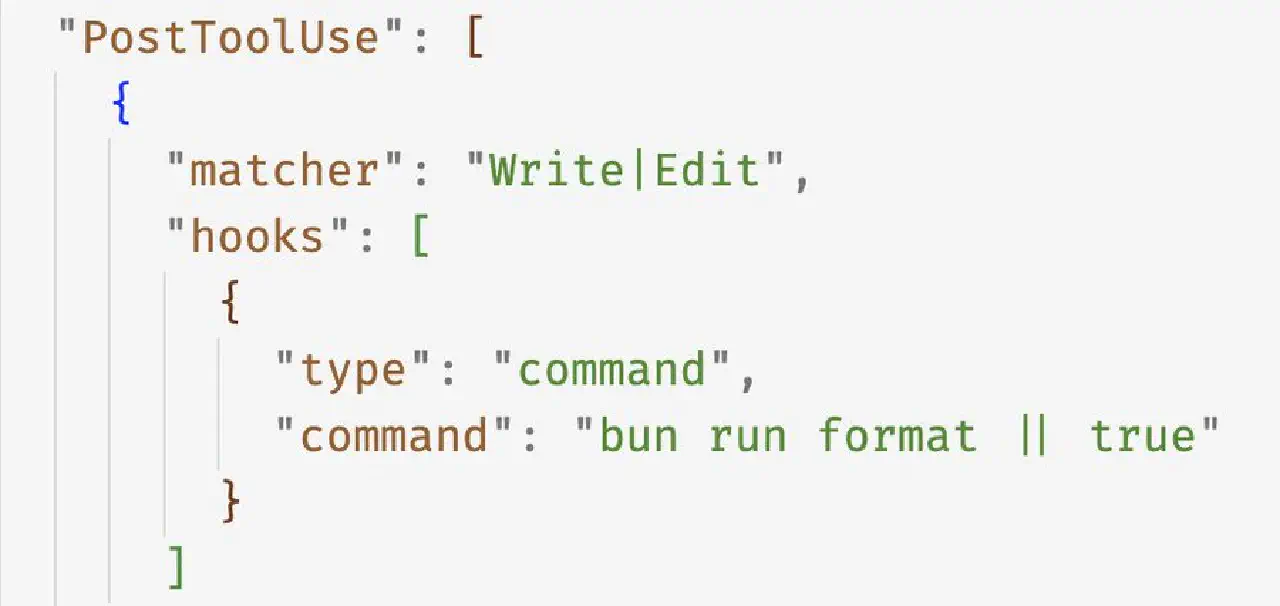
用PostToolUse Hook格式化代码
We use a PostToolUse hook to format Claude’s code. Claude usually generates well-formatted code out of the box, and the hook handles the last 10% to avoid formatting errors in CI later.
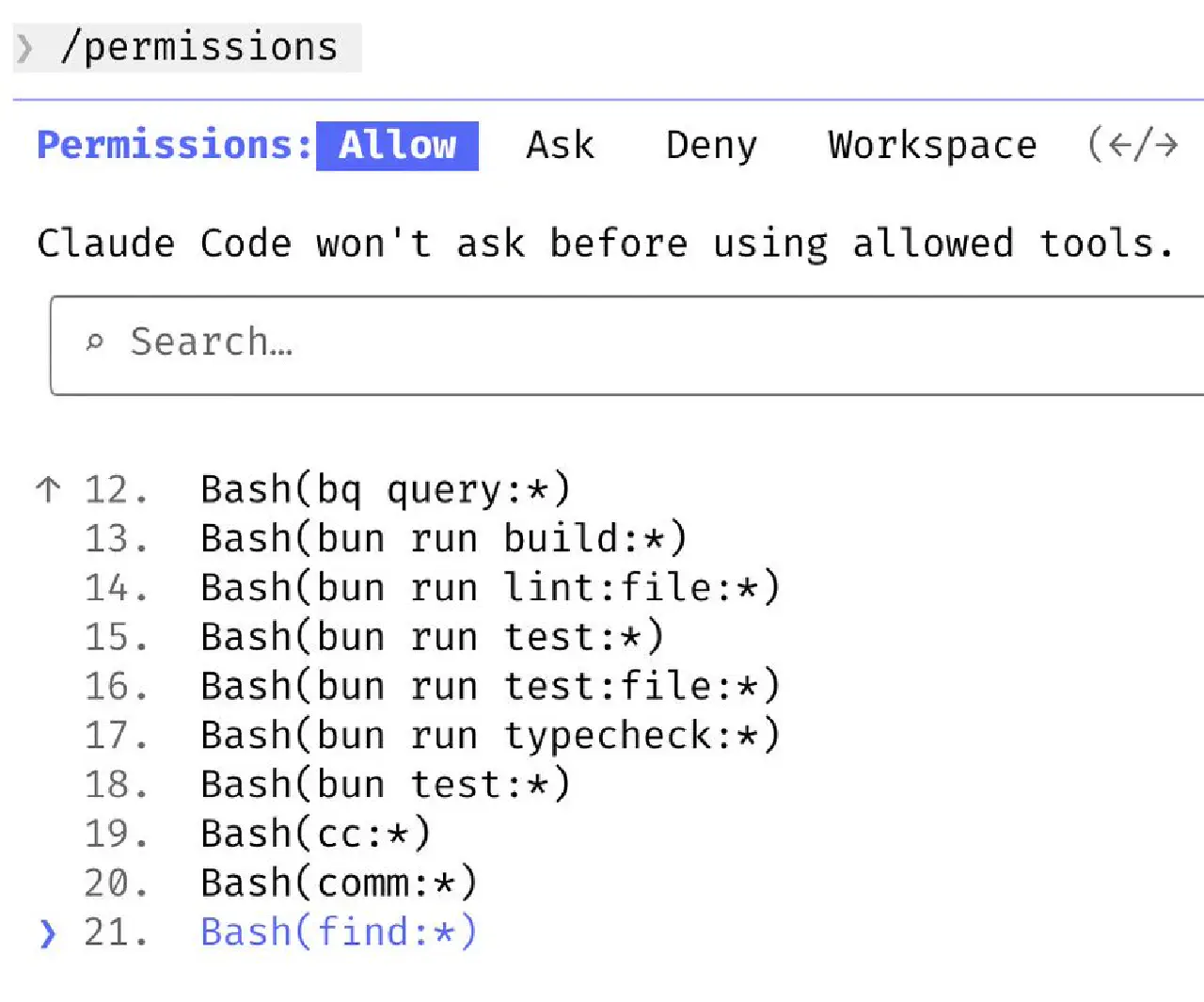
权限可以用白名单。(我自己觉得这条不是很重要)
I don’t use –dangerously-skip-permissions. Instead, I use /permissions to pre-allow common bash commands that I know are safe in my environment, to avoid unnecessary permission prompts. Most of these are checked into .claude/settings.json and shared with the team.
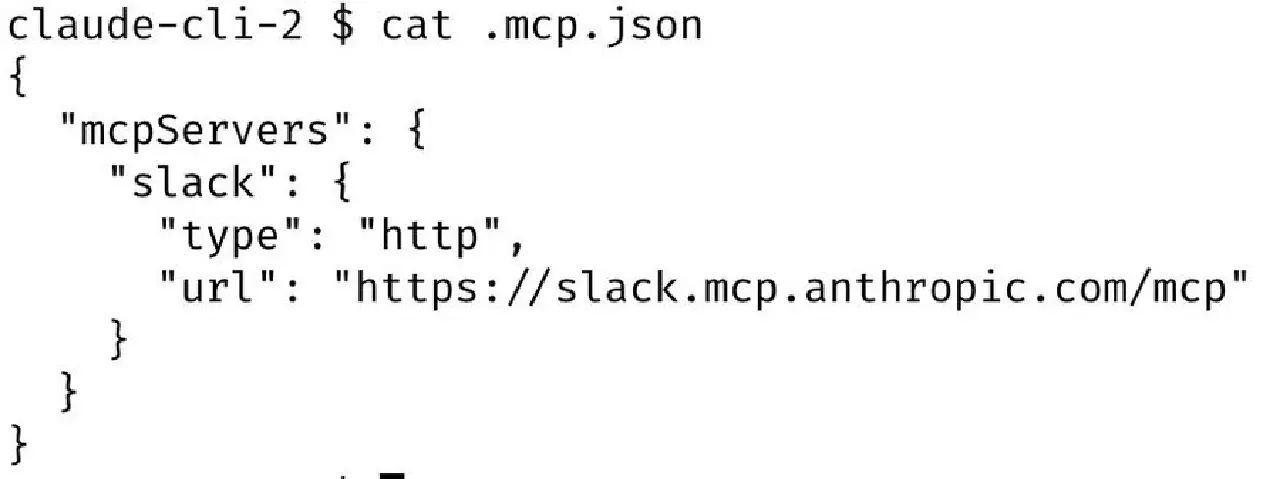
想想你有什么工具常用的,CC也可以用,比如说posts to Slack。考虑加到MCP里面给CC去用。(很可惜我用的一些工具都没有提供很好的TUI界面,所以这条也不是很重要)
Claude Code uses all my tools for me. It often searches and posts to Slack (via the MCP server), runs BigQuery queries to answer analytics questions (using bq CLI), grabs error logs from Sentry, etc. The Slack MCP configuration is checked into our .mcp.json and shared with the team.
如果任务预期就是跑很长时间的话,试着让CC能够自己验证结果。
For very long-running tasks, I will either (a) prompt Claude to verify its work with a background agent when it’s done, (b) use an agent Stop hook to do that more deterministically, or (c) use the ralph-wiggum plugin (originally dreamt up by @GeoffreyHuntley). I will also use either –permission-mode=dontAsk or –dangerously-skip-permissions in a sandbox to avoid permission prompts for the session, so Claude can cook without being blocked on me.
Final Tip: 给他一个可以自己验证自己的环境。我觉得这个是最重要的。
A final tip: probably the most important thing to get great results out of Claude Code – give Claude a way to verify its work. If Claude has that feedback loop, it will 2-3x the quality of the final result.
Claude tests every single change I land to http://claude.ai/code using the Claude Chrome extension. It opens a browser, tests the UI, and iterates until the code works and the UX feels good.
Verification looks different for each domain. It might be as simple as running a bash command, or running a test suite, or testing the app in a browser or phone simulator. Make sure to invest in making this rock-solid.